




Featured
Whether you’re working on a big production or a small project, you will need to transcribe your interviews. It doesn’t have to be a tough job if you know what to do. It helps a lot of you turn your spoken words into written text. This way, you can then use it to create script subtitles and even improve your show's quality.
In this guide, we’ll walk you through the process of transcribing interviews in the simplest way possible.
Why is Transcribing Important?
Usually, when you interview someone for a TV show, you record their voice. However, if you want to make the content easy to use later, you need to write down everything that was said. Hence, you need a transcript that can help you find important parts of the interview quickly or even help you edit the show better.
When you transcribe interviews, it’s not just about writing down words. Instead, it is more about capturing the essence of what was said. Sometimes, the way a person says something is just as important as the words they use. For a TV show, it can make a big difference. The reason is that you will need to make sure that the viewers understand the message. So, you only achieve this with a good transcript.
How to Start Transcribing Your Interviews
Now that you know what transcription is and why it's important, how do it?
Prepare Your Tools
Before you start, you need a computer or tablet to type on. Then, a good pair of headphones and a text editor like Microsoft Word or Google Docs. However, if you want to make things even easier, you can use transcription software like ScriptMe.
You can use the software to get a transcript for YouTube or any other interview. ScriptMe will help you to transcribe interview or other audio in over 30 languages. It’s fast, accurate, and can save you a lot of time. Instead of typing everything yourself, the software can do it for you. You just upload the audio file, and it gives you the transcript. You can even edit it to make sure everything is 100% accurate.
Listen to the Interview
It is better you first listen to the entire interview once before you begin typing. It will help you get a sense of what was said and how the person spoke. So, make sure you pay attention to the tone of their voice, pauses, and any background noise. It might seem like extra work, but it will make the actual transcription easier.
Start Transcribing
As you begin typing, begin with the name of the person speaking. If, for instance, the speaker is John, then start with “John:” and then type what he says. Play the audio and start typing everything that you hear. It doesn’t matter if you can’t keep up. You can always pause the audio whenever you need to. In fact, it’s normal to pause, rewind, and replay parts of the audio several times.
Try to type exactly what you hear in the interview word for word. So even if you hear pauses, fillers like “um” and “ah,” or any background noises, they are important. Another thing to consider is the time stamps. Usually, time stamps are notes of when something was said. So you can write "[00:02:35]" to show that something was said at 2 minutes and 35 seconds into the interview. It will help when you need to find specific parts of the audio much later.
Edit the transcript
After you’ve written down everything in the audio, you can go back and read through the transcript. This time, you can now correct any mistakes and make sure the text is easy to read. You should also take time to fix any grammar or punctuation issues. As you edit the transcript, make sure it’s always clear who is speaking. So label all the speakers correctly. If there are multiple people in the interview, use different labels like “Interviewer” and “Guest.”
Final thoughts
Initially, transcribing may seem difficult, but with time, you will get a good grasp of it. When transcribing, your focus should be more on getting the words down. So don’t concern yourself with the grammar because you can always can clean it up later. The most important thing is to capture what was said.
If typing everything yourself, it may be overwhelming. It gets easier with transcription software. It will take you less than half the time to transcribe your interview for your TV show. Also, the software gives you more accuracy and better scripts at the end.




|
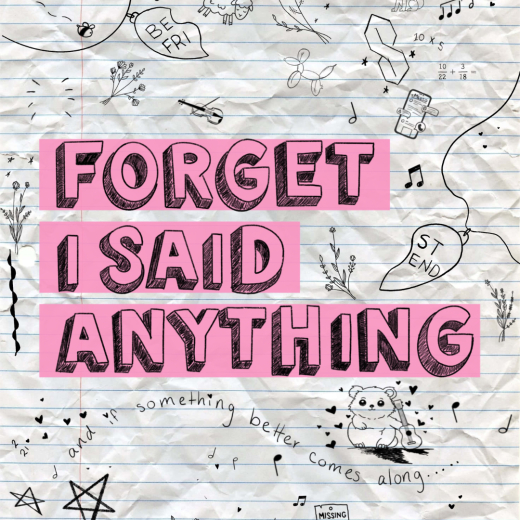
Forget I Said Anything Theatre Row (7/17-8/08) |
|
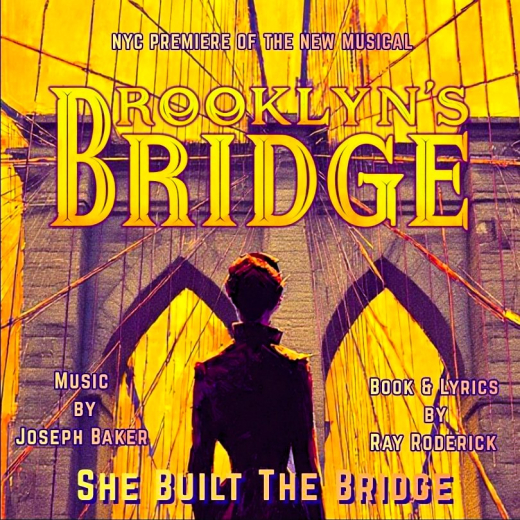
BROOKLN'S BRIDGE - A New Musical - SHE Built the Bridge! The Space at Irondale (8/07-8/23) |
|
|
Broadway Magic Hour Broadway Magic Hour: Magic Show (7/25-1/02) |
|
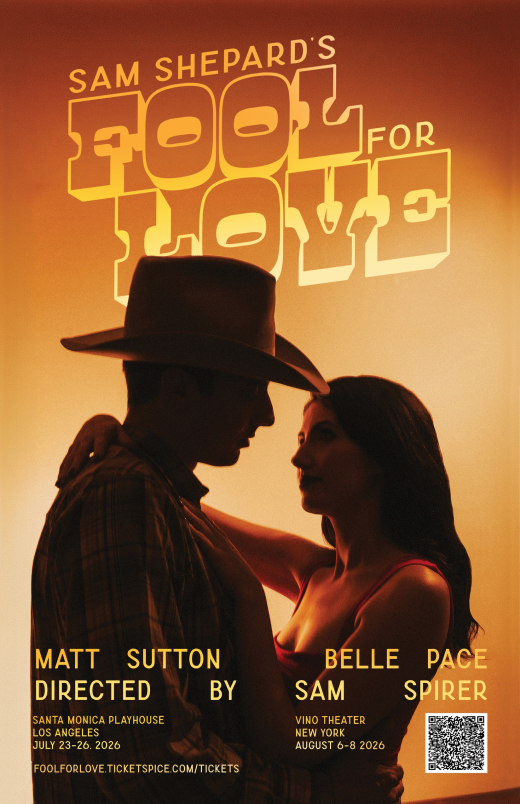
Fool for Love Vino Theater (8/06-8/08) |
|
|
Lilith The Tank (8/07-8/22) |

|
Oh, Kentucky! Center at West Park (8/22-8/22) |
|
|
Oil & Whiskey The Bitter End, Laurie Beechman, Prohibition, The Rat NYC (7/15-8/12) |
|
|
Rock Never Dies Hard Rock Cafe (5/29-8/30) |

|
That Math Show Theater555 (6/11-8/16) |
|
|
The Merry Wives of Windsor Stag & Lion Theatre (8/06-8/16) |